Your bank statement is trying to tell you something
A bank statement looks like the least interesting document in the world. Dates, codes, amounts, a running balance. But read it the right way and it tells a story about your month, sometimes one you didn't know you were living.
First, get it in a form you can work with
PDFs are made for printing, not reading. If your bank's online banking lets you export transactions as CSV or Excel, choose that. A CSV is just a plain table: one row per transaction, columns for date, description, money out, money in and balance. You can open it in any spreadsheet app, or import it into a budgeting tool.
Exports differ from bank to bank. Column names change, some banks split money in and money out, others use one column with minus signs. That's normal. You only need four things: date, description, amount, and direction.
Five things to look for
1. The repeats. Sort by description and look for the same name appearing every month: subscriptions, data bundles, standing orders, loan repayments. Repeats are easy to forget because you agreed to them once. Ask of each one: do I still want this?
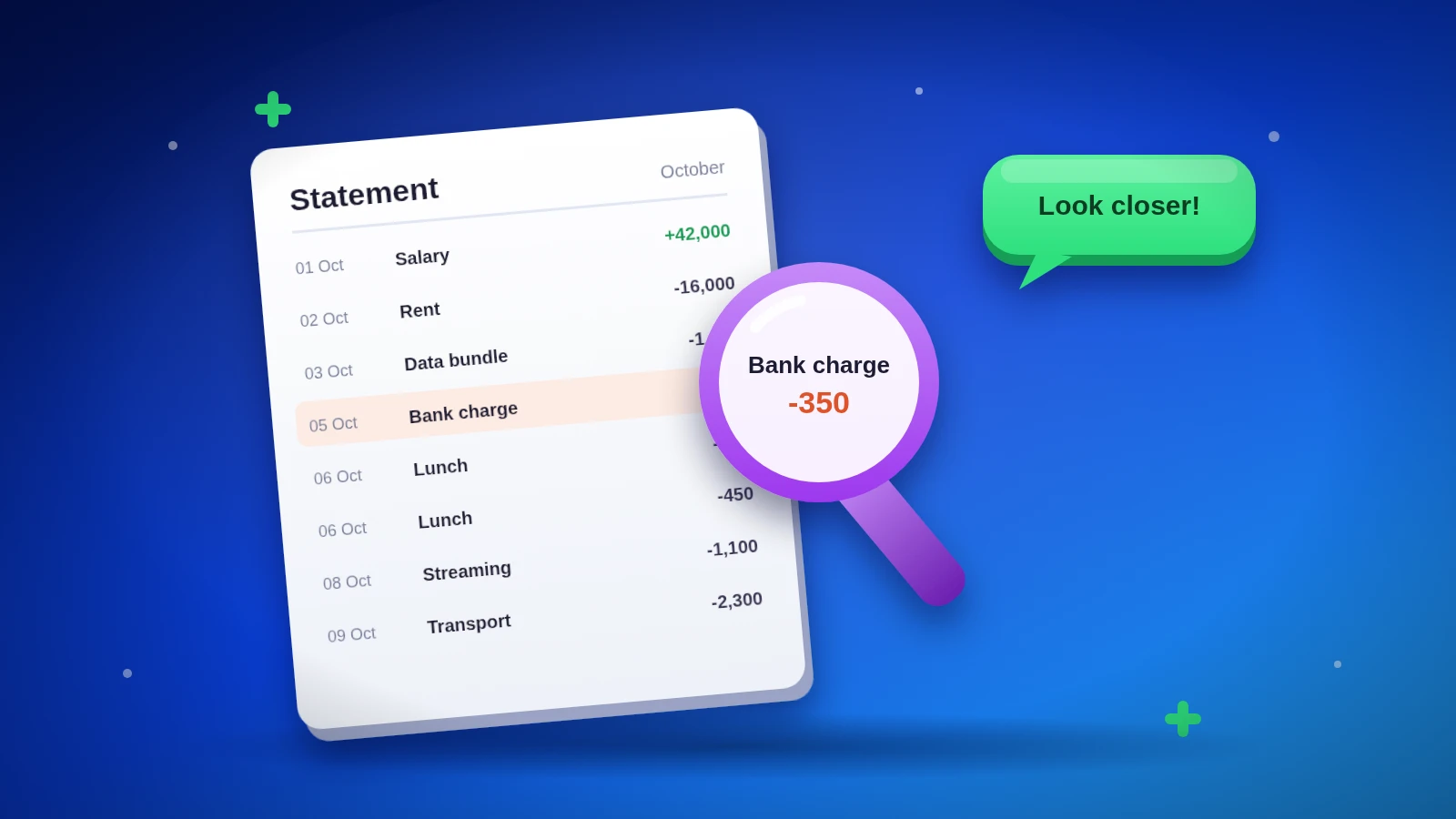
2. The fees. Search for words like charge, fee, commission or ledger. Bank charges and transaction costs are small one at a time and surprisingly large over a month. Sometimes a cheaper account type or fewer, larger transfers can cut them.
3. The tiny, frequent spends. Count how many transactions are under KES 500. A few hundred shillings a day rarely feels like spending, but thirty of them is a bill.
4. The doubles. Look for two identical amounts to the same place on the same day. Sometimes it's real, sometimes it's a payment that went through twice. Catch it early and it's much easier to query.
5. The things you don't recognise. Any line you can't explain deserves a question to your bank, quickly. Most turn out to be innocent: a merchant's odd name, a delayed charge. Occasionally they aren't.
Turn the story into one change
Reading your statement is only useful if it changes something. Pick the clearest finding, maybe a subscription to cancel or a fee to avoid, and act on it this week. Next month, read again and see if the story changed.
How we do it
This is exactly the job we built Dashboard X for. You import your bank's CSV statement in three steps: choose the file, match its columns once, and review. Then you get your spending by category and a month-by-month view of money in against money out. You choose exactly which statements to bring in.
If you'd rather do it by hand, the five checks above work just as well with a highlighter and a cup of tea.
This post shares general tips, not financial advice.